Contents
- Why build a tech pack template in Adobe Illu…
- Why does vector stay sharp when a JPEG falls…
- What's inside the free .ai template file?
- How do you fill in the Illustrator template?
- How do you make the template reusable across…
- How do you export a production-ready PDF fro…
- Which Illustrator template mistakes reach th…
- What won't the template do for you?
- Frequently asked questions
- Where to go next
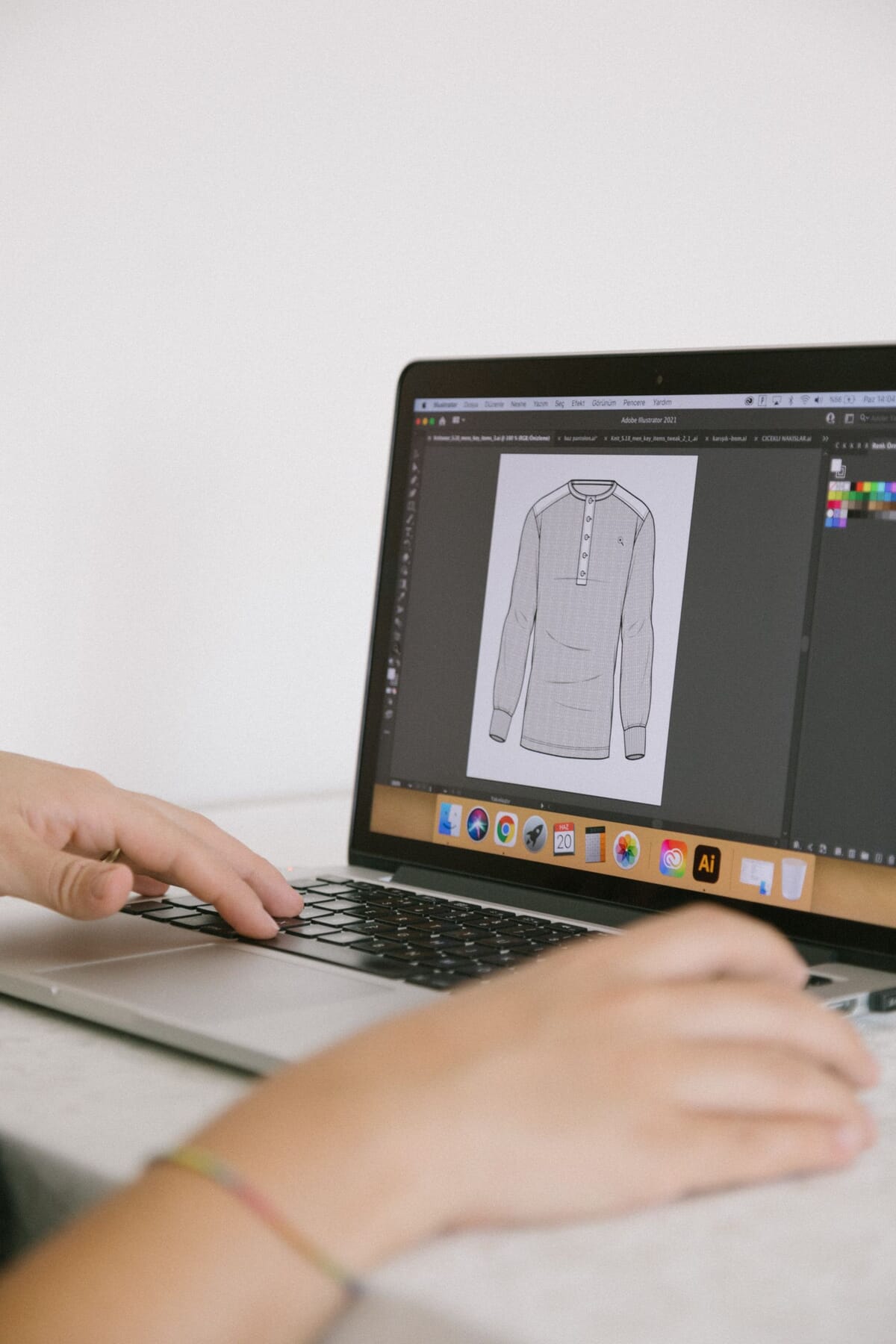
A tech pack starts with a drawing. Not a mood photo, not a Pinterest board, a flat technical sketch a pattern cutter can read at arm's length. In the eight-section structure we build tech packs on, flat sketches come first. That drawing has to survive being printed, folded, stained and pinned to a cutting table. Adobe Illustrator handles that job well, because vector art stays sharp at any size. This page gives you a free Illustrator tech pack template: layered flats, callout styles and an editable measurement grid. I'll show you what's in the file, how to fill it, and the one part that stops most people cold.
Key Takeaways - Illustrator is a vector tool, so your flats print crisp at A3 on a factory cutting floor. - Flats are the first of the standard eight tech pack sections. - The free .ai file ships with layered front and back flats, callout styles, an editable points-of-measure table and preset artboards. - The template is the easy part. The 40-plus points of measure, grading and tolerances are the hard part. - If the measurement page beats you, our team fills it in for a flat fee.
Why build a tech pack template in Adobe Illustrator?
Illustrator wins because a tech pack is mostly line work, and line work belongs in a vector tool. Sewport notes that tech packs rely on technical drawings and CAD flats rather than photos (Sewport). A vector flat holds its edges whether it's on a phone screen or blown up to A3 on a cutting table.
Photoshop mocks up how a garment feels. Illustrator specifies how it's built. Those are different jobs. A raster file locks you into one resolution, so a seam line that looks fine on screen turns into a fuzzy grey smear once a factory prints it. Vector paths don't degrade. You can zoom to 800 percent to check a topstitch callout, and the line stays one pixel clean.
I've had a run rejected because the front flat was a low-res JPEG dropped into a Word doc. The pocket placement read as roughly here, and roughly here is how you get a size run you can't sell. If you want the full drawing method behind the file, read our Illustrator technical flats workflow. This page is about the template itself.
Citation capsule: Tech packs are built on technical drawings and CAD-style flats, not photographs, because factories need to see construction rather than styling (Sewport). Adobe Illustrator produces vector flats that stay sharp at any print size, which is why the standard tech pack template ships as an .ai file.
Why does vector stay sharp when a JPEG falls apart on the cutting floor?
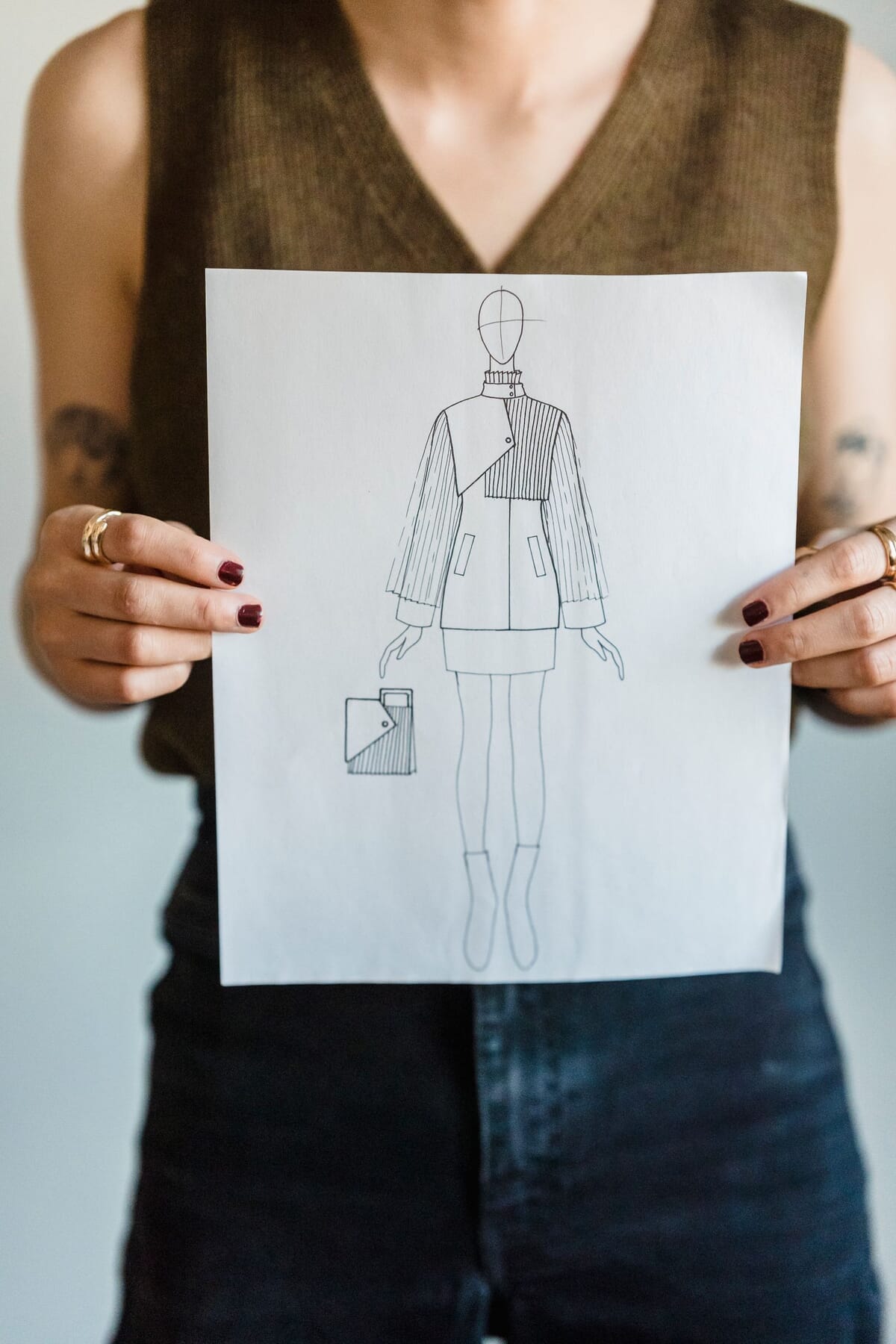
Vector wins on the floor because it scales by math, not by pixels. In our eight-section structure, flat sketches are section one, ahead of the bill of materials and specs. That drawing is the reference a cutter checks against, so legibility isn't decoration. It's the difference between a clean seam and a guess.
Here's the mechanism. A raster image stores a fixed grid of pixels. Enlarge it, and the software invents the missing dots, which blurs every edge. A vector path stores instructions: start here, curve to there. Enlarge it, and the software recalculates, so the line stays hard. Print that on a factory floor at A3 and every callout is readable.
Why does this matter for acceptance? Because factories inspect against sampling limits. AQL 2.5 is the most common general limit, 1.0 covers higher-risk goods, and critical defects sit at zero tolerance (QIMA). A blurred flat feeds ambiguous specs, and ambiguous specs create defects an inspector counts against you.
Citation capsule: Flat sketches are the first of the standard eight tech pack sections and act as the reference a factory builds against. Vector art in Adobe Illustrator scales without blur, so those sketches stay legible when printed large on a cutting floor.
What's inside the free .ai template file?
The .ai file holds a full tech pack skeleton laid out across preset artboards, so you draw and type instead of formatting. It maps to our eight-section structure: flat sketches, bill of materials, measurement specs, cost sheet, size gradings, colorways, construction notes and revision history. Everything is layered, named and ready to edit.
Layers matter more than most people expect. When callouts, flats and measurements each sit on their own named layer, you can hide one, lock another and export a clean PDF without stray guides. Below is what each layer and artboard actually carries, and why it earns its place.
| Illustrator layer / artboard | What it holds | Why it matters |
|---|---|---|
| Flats layer (front and back) | Vector line art of the garment | Scales to A3 with no blur or lost detail |
| Callouts and leader lines | Arrows, seam notes, stitch types | Points a factory to the exact construction detail |
| POM table artboard | Editable measurement spec grid | Gives the factory numbers, not guesses |
| Colorways layer | Flat fills with Pantone references | Shows every approved color in one view |
| BOM artboard | Fabrics, trims, labels, packaging | Tells the factory exactly what to buy |
| Revision block | Date, version number, change notes | Stops an old file reaching the cutting floor |
The callout styles are the quiet win here. They're saved as graphic and character styles, so every leader line and label matches without you eyeballing font sizes. New to the format? Start with what a tech pack is, then come back to the file.
Citation capsule: A complete tech pack covers eight standard sections, from flat sketches and bill of materials through measurement specs, gradings, colorways and revision history. The free Illustrator template lays each section across a named layer or preset artboard so nothing gets missed.
How do you fill in the Illustrator template?
You fill it in three passes: draw the flats, add the callouts, then type the measurements. ASTM maintains standard body measurement tables, including ASTM D5585-21 for women's figure types, kept current by Subcommittee D13.55 (ASTM). Your spec numbers should trace back to a standard like that, not to a hunch.
Draw or place the flats first
Work on the flats layer. Either draw the garment in vector, or paste flats you built following our technical flats workflow. Keep line weights consistent: a heavier outer edge, a lighter inner seam. Turn on Smart Guides so pieces align. Front and back sit on separate artboards, already scaled to fit.
Add callouts with the saved styles
Switch to the callouts layer. Draw a leader line from the detail to the margin, then apply the saved graphic style so the arrow matches every other one. Type the note using the character style. Short notes win: "1cm topstitch, matching thread" beats a paragraph. Every callout should name one thing.
Fill the points-of-measure table
This is the spec grid. Type each measurement, its tolerance and the point of measure code. Tolerance is the range a factory may vary within before a piece fails. Get this right and inspection runs clean. Get it wrong and you're arguing over a garment that technically met your own broken spec.
Citation capsule: Garment specs should trace to recognised measurement standards, such as ASTM D5585-21 for women's body dimensions, maintained by ASTM Subcommittee D13.55 (ASTM). The Illustrator template gives you an editable table to hold each point of measure, value and tolerance.
How do you make the template reusable across your whole line?
Turn the file into a kit, not a one-off, so your second style takes an hour instead of a day and your tenth takes less. The first time through, you build every callout style, every trim, and every table from scratch, which is slow and worth doing carefully because you only pay that cost once. The trick is to save those pieces once and pull them into the next style, which also keeps your whole line consistent enough that a factory reads each spec the same way.
Three habits do most of the work:
- Save callout and character styles. Once your leader lines and labels look right, they live as graphic and character styles. Apply them on the next garment and every callout matches without you touching a font size.
- Build a symbols library of recurring trims. A drawcord tip, a specific zipper pull, a woven label: draw each once, save it as a symbol, and drop it into any style. Update the symbol and every instance updates.
- Keep a base-blocks artboard. Your standard silhouettes, a tee, a hoodie, a pant, sit ready to trace or adapt, so you're never starting a flat from a blank artboard.
The founders who scale cleanly treat the template itself like a product with versions. When they improve a callout style or fix a POM row, they update the master template, not just the one style they're working on. A year in, their tenth tech pack is sharper than their first, because the tool got better every time they used it. Most people rebuild from the same rough file forever.
Citation capsule: A reusable Illustrator template stores callout styles, a trims symbol library, and base-block artboards, so each new style is edited rather than rebuilt. Consistent structure across a line means a factory reads every one of the eight standard sections the same way from style to style.
How do you export a production-ready PDF from the .ai file?
Export a flattened PDF with the fonts outlined and the artboards at true scale, because the factory reads the PDF, not your live Illustrator file. A tech pack travels to the floor as a flat, portable document (Sewport), so the export is the deliverable, and a sloppy one undoes clean drawing work. Keep the .ai as your editable master and treat the PDF as a locked copy.
Run the export in this order:
- Outline or embed the fonts. Duplicate the file, then either create outlines on the text or embed the fonts in the PDF. A factory that lacks your font otherwise gets an automatic substitution, and your neat callouts reflow.
- Set every artboard to true scale. Your flats and POM table print at the size you drew them, so a cutter measuring off the page reads real proportions.
- Export all artboards to a single print PDF. Use a print preset so line work stays crisp, and check nothing sits on a hidden or guide layer that shouldn't ship.
- Name the file with a version. Something like
style-number_rev2_2026-08-25, matching the revision block inside the file.
Which Illustrator template mistakes reach the factory?
The mistakes that survive to the cutting floor are the ones a clean-looking file hides. An .ai document can look perfect on your screen and still export a broken PDF, and the factory only finds out when the sample comes back wrong. Four errors cause most of it, and each has a simple guard.
| Mistake in the .ai file | What the factory receives | The guard |
|---|---|---|
| Linked images, not embedded | A flat with missing art where the link broke | Embed placed art before exporting, or keep links packaged |
| Fonts left live, not outlined | Substituted fonts and reflowed callouts | Outline or embed fonts on the export copy |
| Stray guides or hidden layers exported | A cluttered page with construction guides printed | Lock and hide non-print layers, then proof the PDF |
| Revision block left on an old version | An outdated spec cut as if approved | Update the revision block every time you re-export |
The quiet one is colour. Illustrator can sit in RGB while a printer expects CMYK, so a colourway that reads bright on screen prints muddy. Colour still gets approved off a Pantone code or a physical swatch, not the file's screen colour, but a mismatched export confuses everyone in the loop. Set your document colour mode once and keep the Pantone reference next to the fill.
There's a habit that catches all four of these at once: open your own exported PDF on a different device before you send it, ideally one without your fonts or your links. What you see there is what the factory sees. A broken link shows up as a blank box, a live font shows up as substituted type, a stray guide shows up as a printed line, and an old revision shows up as the wrong number in the block. Two minutes of proofing your own export saves a sample round you can't get back.
What won't the template do for you?
The template is free and it's good, but it can't invent your numbers. Guru estimates a custom tech pack runs $500 to $2,000 per style and takes 5 to 20 hours of work (Guru). Most of that time isn't drawing. It's the 40-plus points of measure, the grading across sizes and the tolerances that decide whether a factory can build your idea.
Here's the part nobody says out loud. A blank POM table is the tool sorting hobbyists from producers. Anyone can drag a flat onto an artboard. Deciding that a hoodie's front length is 68cm at size M with a plus or minus 1cm tolerance, then grading it across five sizes, takes production knowledge. That knowledge is what factories charge for and what most templates quietly assume you already have.
Sampling makes the stakes concrete. Inspection standards like ISO 2859-1 and its equivalent ANSI/ASQ Z1.4 set the sampling plans behind AQL, and at a 2.5 limit an inspector accepts or rejects a whole lot on a small sample (QIMA). Loose tolerances put more units over the line. That's how a spec you rushed becomes a rejected shipment.
If the measurement page defeats you, we fill it in. Our tech pack service completes the spec, grading and tolerances for a flat fee, starting at $299 per style, so your file reaches the floor ready to cut. Want to see a worked example first? Look at our hoodie tech pack breakdown.
Citation capsule: Final inspection under an AQL of 2.5 accepts or rejects an entire lot from a small sample, while critical defects carry zero tolerance (QIMA). Looser measurement tolerances push more units past the limit, so a rushed spec table raises rejection risk directly.
Frequently asked questions
Do I need Adobe Illustrator to use this template?
Yes, the file is a native .ai document built around vector layers, artboards and saved styles. You need Illustrator to edit the flats, callouts and POM table properly. Sewport notes tech packs depend on technical drawings and CAD-style flats (Sewport), which is exactly what a vector editor produces.
Can I use the template commercially?
Yes, the template is free to use on real commercial styles, including garments you sell and send to factories. There's no per-style fee for the file itself. The only paid option is our done-for-you spec service. The tech pack you build with it belongs to you, full stop.
What if I get stuck on the measurements?
That's the normal place to get stuck. The 40-plus points of measure, grading and tolerances need production experience, and they should trace to standards like ASTM D5585-21 (ASTM). Our team fills that page in from $299, so you send a factory-ready spec.
Will the template work in Affinity Designer or CorelDRAW?
Partly. Those apps can open exported formats, but named layers, artboards and saved styles may shift or break on import. For clean results, edit the .ai file in Illustrator. If you only have another tool, export a flat PDF for reference and rebuild the editable spec table natively.
Does a factory actually need the Illustrator file, or a PDF?
A factory usually works from a printed or PDF tech pack, not the live .ai file. You keep the Illustrator source and export a PDF for production. Techpacker frames the tech pack as the shared document a factory builds from (Techpacker), so export cleanly and keep your revision block current.
Should the POM table live in Illustrator or a spreadsheet?
Do the grade math in a spreadsheet, then present the final table in the template. Illustrator's table is static, so it can't step a measurement across a size run for you. Build the graded numbers in Excel where formulas keep increments consistent, then type or place the finished values into the .ai POM table for a single clean deliverable.
How do I stop fonts breaking when the factory opens my PDF?
Outline or embed the fonts before you export. If the type stays live and the factory's machine lacks your font, it substitutes another and your callouts reflow. Duplicate the file, run Create Outlines on the text or embed fonts in the PDF settings, and proof the exported PDF on a device without your fonts installed.
Where to go next
Download the Illustrator template above, then build outward. The main tech pack template pillar covers other formats and the full spec structure. The tech packs hub walks through how factories actually read your file. If you want the drawing side in depth, the Illustrator flats workflow shows how I build the vector art that goes into this template. And when the measurement page stalls you, that's what we're here for.
Peter Midea is GarmentSpec's technical lead for brand development. He builds the tech packs, flats and graded specs GarmentSpec delivers to brands, and writes our guides.
We build the factory-ready spec a manufacturer can quote from without a single question: technical flats, bill of materials, graded points of measure with tolerances, colorways and construction notes. $299 per style, 3 to 5 working days, 2 to 3 revision rounds.
Get your tech pack — $299Start with the free templateWe don't take your production. The spec is yours to send to any factory, anywhere. Talk to us first if you're not sure what you need.
Sources
Every statistic and definition in this article traces to one of the following. Each is listed once here, and cited inline where it is used.
Related guides
- Free tech pack template
- Canva tech pack template
- Blank PDF & Excel template
- Adobe Illustrator for tech packs
- Download the template (Illustrator, PDF, Excel)