Contents
- What is flat sketch software, and what does…
- What should you look for in flat sketch soft…
- Which vector editors work best for fashion f…
- Do you need 3D/CAD software like CLO 3D or B…
- Where do tablet apps like Procreate and Line…
- What about fashion-specific tools like Lectr…
- Which software should you pick for your use…
- Does the software make your flat factory-rea…
- How do you get flats from these tools into a…
- Frequently asked questions
- The bottom line
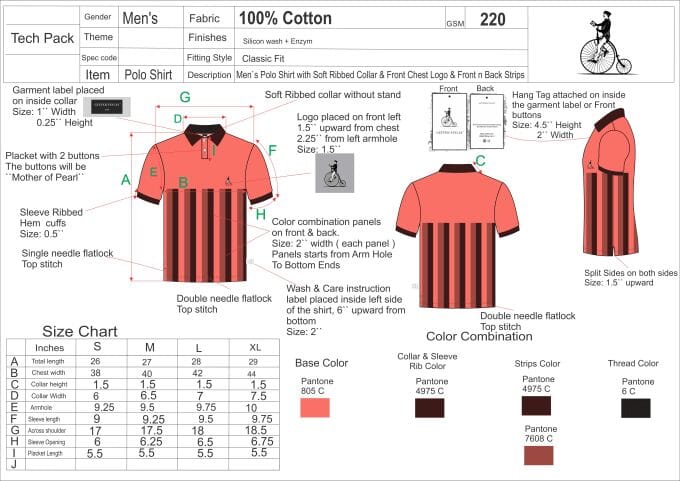
Your flat sketch software won't save a bad drawing. I've stood on a production line and watched a garment get pulled because the flat was pretty but wrong. The tool draws. The conventions decide. Still, the right editor makes precise, print-legible flats far easier to produce and reuse. A tech pack carries eight sections, and the flat drawing sits in section one. So pick your software for vector precision, print legibility, and a symbol library you'll build once and use for years. This guide sorts the real options by category and use case.
Key Takeaways
- Four tool buckets: industry-standard vector, free/cheap vector, tablet apps, and fashion CAD.
- Illustrator is the industry standard; Inkscape is free and open-source; Affinity is a one-off purchase.
- The features that matter are variable stroke width, reflect symmetry, symbol libraries, and clean vector export.
- Software doesn't make a flat correct; conventions and pattern traceability do.
- Tech packs run $500-$2,000 per style (Guru, 2022), so reusable symbol libraries pay off fast.
What is flat sketch software, and what does it actually do?
Flat sketch software is any program you use to draw a garment's technical flat: a clean, proportional, color-free outline showing seams, stitches, and closures. Most of it is vector-based. The flat is the first thing a factory reads, and it sits in section one of a standard eight-section tech pack.
Technical drawings and CAD sit at the center of modern garment development, and factories lean on them to interpret a design without guesswork (Sewport, 2023). A vector flat gives that clarity. Lines scale without blurring. Every seam reads the same at any print size, whether it's on a 27-inch monitor or a folded A4 sheet on the cutting table.
Here's what I've learned from the floor. A flat drawn as pixels falls apart the moment someone scales it for a spec page. Vector lines don't. That single difference decides whether a cutter sees a clean seam or a fuzzy suggestion. Get this wrong and you pay for it in samples.
If you're new to the whole document, start with our pillar on technical flats before you shop for a tool. The drawing rules come first. The software comes second.
What should you look for in flat sketch software?
Look for six things: vector precision, variable stroke width, reflect symmetry, a reusable symbol library, clean vector export, and a cost you can live with. Precision matters most, because a flat must hold true proportion and stitch detail. Measurement conventions are formal enough to be standardized: ASTM D5585-21 defines body measurements for standard size ranges (ASTM).
Most designers shop by brand name. That's backwards. Shop by the handful of features that make a flat fast to draw and clean to hand off. Below are the ones that earn their keep, and the chart after them scores each tool category on the same yardstick.
Does vector precision really matter?
Yes, and it's not close. Vector tools store lines as math, not dots. You can zoom to 800 percent and a seam stays crisp. You can nudge a single anchor point without redrawing the sleeve. That control is why most technical drawing work happens in vector software (Sewport, 2023). Raster tools blur under edits, and blur reads as ambiguity on a factory floor.
Print legibility and stroke weight
A flat gets printed, folded, and marked up with a pen. So it has to survive paper. Use consistent stroke weights: a heavier outline, lighter internal seams, dashed lines for topstitch. Good software lets you set and reuse these weights globally. The flat sketch conventions matter more than any single feature here.
Reusable symbol libraries
This is the quiet feature that saves the most money. A symbol library stores your buttons, zippers, bar-tacks, and stitch details as reusable objects. Build it once. Drop them into every future flat. Over a season, that turns hours of redrawing into minutes of dragging. Illustrator calls them symbols, Affinity calls them assets, Inkscape uses clones and defs. Different names, same payoff.
Does variable stroke width matter for flats?
Yes, more than beginners expect. Variable stroke width, sometimes called a width profile, lets a single line taper along its length. You use it constantly on flats: a dart that thins to a point, a fold that fades, a gathered seam that swells and narrows. Illustrator's Width tool and Affinity's pressure profiles handle this cleanly. Inkscape does it through the Power Stroke path effect, which works but takes more clicks. Without variable width, you fake the effect with clumsy filled shapes that break when you edit.
Why reflect and mirror symmetry saves hours
A flat is symmetrical down the center front. Reflect symmetry lets you draw one half, mirror it, and keep both sides linked. Draw the left, get the right for free. Some tools update the mirror live as you edit the original, which is the gold standard for flats. Others only reflect a static copy, so you draw once and clean up seams by hand. Either beats drawing both sides twice and hoping they match.
Here's a detail most tutorials skip. Live symmetry is fine while you build, but you should expand or flatten it before you export the final flat. A linked mirror that stays live can shift if the file opens in a different editor at the factory, and suddenly the right sleeve doesn't match the left. Draw with symmetry, ship without it.
Clean export: SVG, AI, PDF, and scalability
Your flat is only useful if it leaves the software cleanly. Vector formats travel best: AI for Illustrator users, SVG for open tools, PDF for anyone. All three scale to any print size without blur, which is the whole reason flats are vector. Watch two traps. First, avoid exporting flats as flat PNG or JPG, because raster images pixelate the second a spec page enlarges them. Second, embed fonts or convert text to outlines, or a factory without your typeface sees the wrong callout labels.
Which vector editors work best for fashion flats?
Vector editors are the standard choice for fashion flats, and three cover almost every budget: Adobe Illustrator, Affinity Designer, and Inkscape. All three draw precise, scalable line art. Sewport notes that technical drawings and CAD underpin production-ready design (Sewport, 2023). The differences are cost, licensing model, and how deep the industry ecosystem runs.
Adobe Illustrator: the industry default
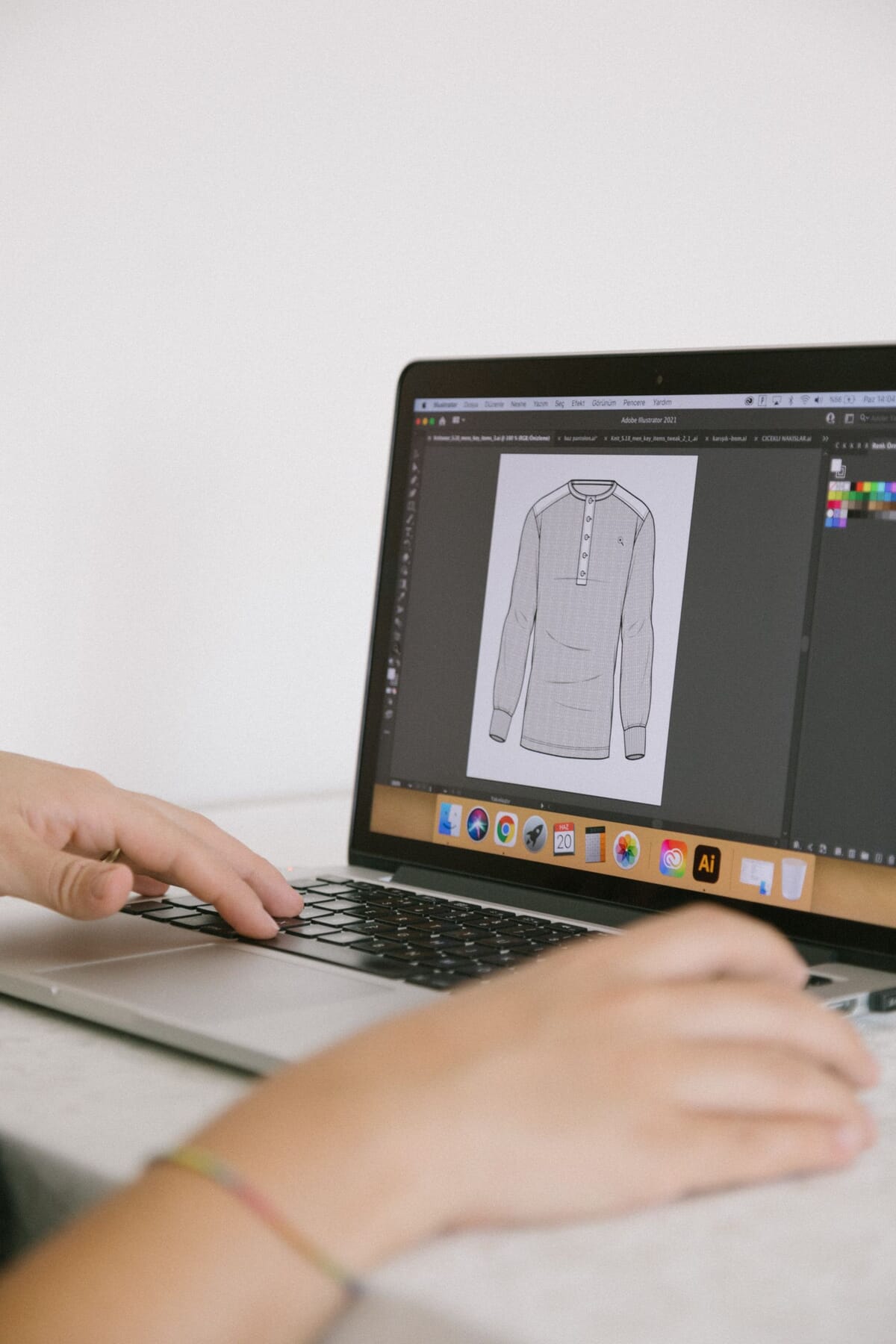
Adobe Illustrator is a vector editor, and it's the tool most brands and freelancers assume you use. That ubiquity is the real advantage. Templates, tutorials, and factory-shared files all speak Illustrator. If you'll trade files with a designer or a factory, matching their tool removes friction. We cover the full setup in our Illustrator flat workflow guide.
The trade-off is the subscription model. You rent it, month after month. For a working brand, that's a normal cost of doing business. For a single hobby style, it can feel steep against the alternatives below.
Affinity Designer: the one-off-purchase alternative
Affinity Designer is a vector editor sold as a one-time purchase rather than a subscription. For designers who dislike renting software, that pricing model is the whole appeal. It draws clean vector flats and exports to standard formats. The catch is a smaller ecosystem: fewer fashion-specific templates and tutorials than Illustrator's crowd.
Inkscape: free and open-source
Inkscape is free, open-source vector software. That's a verifiable fact, and it's why it's the honest starting point for anyone testing whether they even like drawing flats. It handles paths, strokes, and symbols. The interface is less polished, and swapping files with an Illustrator-based factory can need format conversion. But zero cost buys a lot of forgiveness on a first style.
One warning on Inkscape and factory hand-off. It saves natively as SVG, not AI. Most factories open your file fine, but if yours insists on native Illustrator files, plan for an export step and check the result before you send it. Test one file early. Don't discover the mismatch on a deadline.
CorelDRAW: the established outsider
CorelDRAW is a mature vector editor that predates most of its rivals, and it draws flats perfectly well. It's a genuine option, especially for designers who already know it from signage or print work. Where it lags for fashion is the ecosystem. Fewer flat templates, fewer fashion tutorials, and a smaller crowd of factories trading Corel files. The drawing tools are strong. The community around fashion-specific use is thin, so you'll build more from scratch.
Do you need 3D/CAD software like CLO 3D or Browzwear?
Not for most flats. CLO 3D and Browzwear are 3D garment and pattern tools that simulate cloth on a virtual body, and they can also produce flat views. Sewport places CAD at the heart of technical garment development (Sewport, 2023). But these are pattern-and-simulation platforms first. Using them purely to draw a flat is heavy machinery for a light job.
Here's my honest read after years of receiving files. A 3D render impresses a buyer. It rarely replaces a clean 2D flat on the cut floor. The pattern maker still wants proportional line art with seams and stitches called out. If your workflow already lives in CLO 3D or Browzwear for fit, pulling flats from it saves a step. If it doesn't, don't buy a 3D suite just to draw a hoodie front. Our tech pack software comparison sets out what each tool costs and who it suits.
There's a second reason to stay grounded. The 3D output still has to follow the same flat conventions to be usable. The dimension changes. The rules don't.
Where do tablet apps like Procreate and Linearity Curve fit?
Tablet apps split into two camps, and the split decides everything: raster versus vector. Procreate is a raster app, so its output is pixels, not scalable line art. Linearity Curve, formerly Vectornator, is a true vector app for iPad. For a factory-bound flat, that difference outweighs the drawing comfort of a stylus. Vector scales clean; raster does not.
Procreate and the raster trap
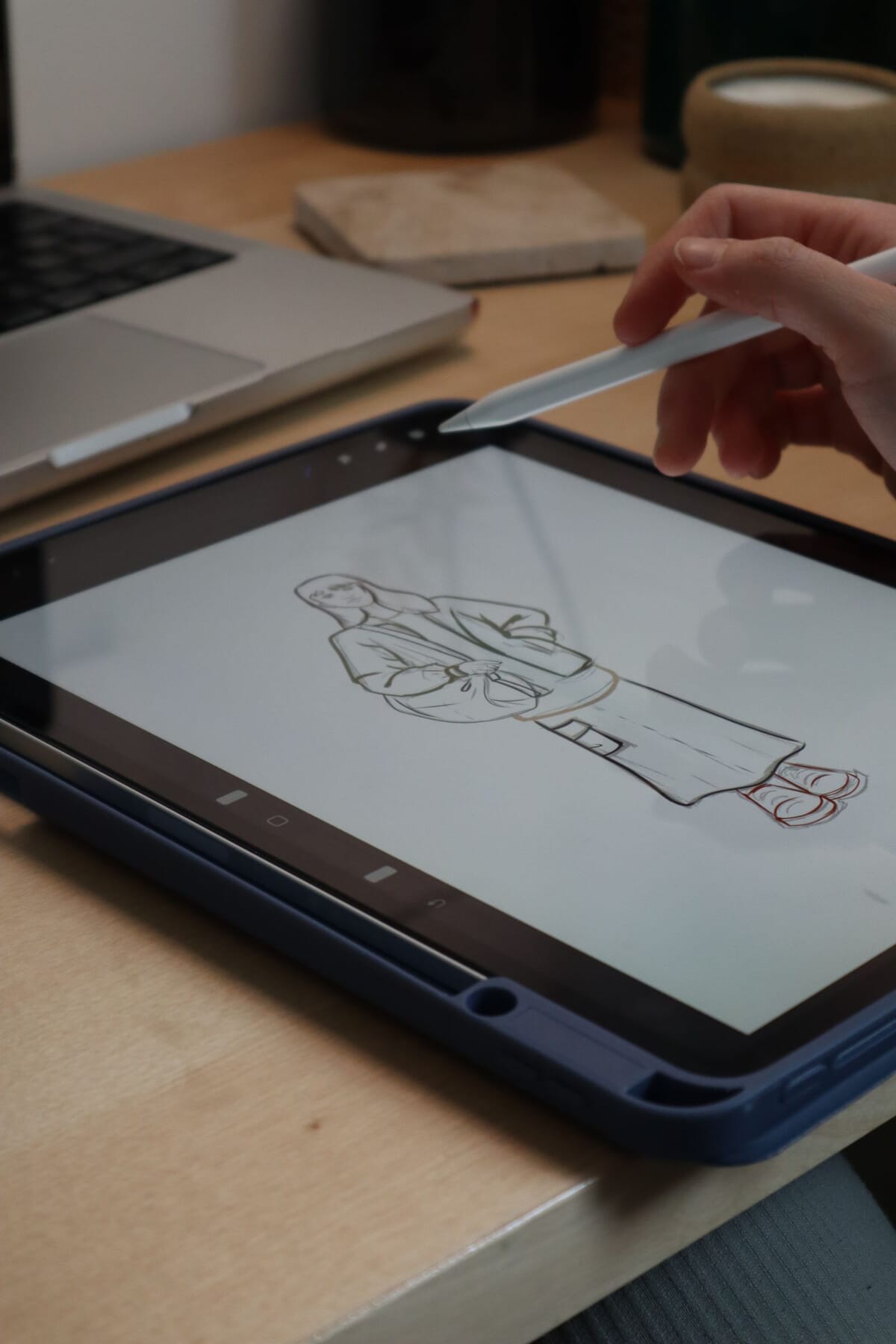
Procreate is a joy to sketch in, and plenty of designers rough out silhouettes there. Just don't treat that sketch as a finished flat. Because it's raster, every line is fixed to a pixel grid. Enlarge it for a spec page and the seams blur. Use Procreate for ideation, mood, and quick concept flats you'll never send to a cutter. Then rebuild the real flat in a vector tool.
Linearity Curve: vector on a tablet
Linearity Curve gives you true vector drawing on an iPad with an Apple Pencil, which is the tablet workflow that actually holds up for flats. You get scalable paths, stroke control, and SVG or PDF export. For designers who think better by hand, that combination is rare and useful. The ecosystem is smaller than Illustrator's, so expect fewer fashion templates and some file-conversion checks before a factory hand-off.
I've received plenty of flats that started life on a tablet, and I can tell within a second which ones stayed raster. When I zoom to read a seam and the line turns to fuzz, the file goes back. The designers who draw on tablets and win are the ones who finish in vector. The stylus is fine. The pixels are the problem.
The hand-drawn-then-vectorized workflow
Drawing by hand first, then vectorizing, is a legitimate route if you handle the last step properly. Sketch on paper or a tablet, scan or photograph it, then trace it into clean vector paths inside Illustrator, Affinity, or Inkscape. The trap is auto-trace. Automatic tracing of a rough sketch produces messy, un-editable paths with hundreds of stray points. Trace by hand over the sketch as a template layer. It's slower, and it's the difference between a real flat and a blurry import.
What about fashion-specific tools like Lectra Kaledo?
Fashion-specific CAD like Lectra's Kaledo is built for the industry, not adapted to it, and that shapes who it suits. Kaledo sits inside Lectra's professional apparel toolset, aimed at design teams working across collections, prints, and colorways at scale. For flats alone, it's more than most independent designers need. But for a brand running full seasonal development, purpose-built tools remove workarounds you'd otherwise stitch together.
The honest read is a question of scale. A solo designer or small brand rarely needs fashion CAD to draw a flat, because a general vector editor does the job for a fraction of the commitment. Larger teams that already license industry tooling get flats as one feature among many: prints, weaves, and colorways in the same environment. If you're not already in that ecosystem, buying into it just to draw flats is the wrong entry point.
The rule holds across every category here. Whether the flat comes from Kaledo, Illustrator, or a hand sketch you traced, it still has to obey the same flat conventions. Fancy tooling never buys you out of the drawing rules.
Which software should you pick for your use case?
Pick by use case, not brand loyalty. Drawing one hobby style? Free or one-off-purchase tools are plenty. Running an ongoing brand with repeat tech packs? Invest in the industry standard and a symbol library. Tech packs commonly cost $500-$2,000 per style (Guru, 2022), so anything that speeds reuse pays for itself fast.
Let me lay out the categories against real use cases.
| Tool category | Best for | Watch-out |
|---|---|---|
| Free vector (Inkscape) | First style, hobbyists, testing if you like flats | File-format conversion when trading with an Illustrator factory |
| One-off-purchase vector (Affinity Designer) | Solo designers who dislike subscriptions | Smaller pool of fashion-specific templates and tutorials |
| Industry-standard vector (Adobe Illustrator) | Ongoing brands trading files with factories | Ongoing subscription cost, month after month |
| Vector tablet app (Linearity Curve) | Designers who draw best by hand with a stylus | Smaller ecosystem; confirm vector, not raster, output |
| Raster tablet app (Procreate) | Concept sketches and ideation, never final flats | Pixels blur when scaled; rebuild in vector before hand-off |
| Fashion CAD (Lectra Kaledo) | Large teams doing full seasonal development | Heavy commitment if flats are all you need |
| 3D/CAD (CLO 3D, Browzwear) | Teams already doing fit and pattern work in 3D | Overkill and expensive if you only need a flat |
Notice the pattern. The cheaper the tool, the more it costs you in friction when you scale. The pricier tool costs money up front but removes friction later. For a first tech pack, start cheap. For a repeat line, buy the standard.
The quadrant below plots the same tools on two axes that actually decide the call: what they cost, and how much capability you get for flats specifically. The sweet spot for most independent designers sits low-cost and high-capability, exactly where free and one-off vector tools land.
A decision framework by budget and skill
Work it as a short flowchart in your head. No budget and a first style? Inkscape, and a template. A modest budget and a dislike of subscriptions? Affinity Designer. Trading files with factories every month? Illustrator earns the subscription back in removed friction. Draw best by hand? A vector tablet app, finished in vector. Already inside Lectra or a 3D pipeline? Pull flats from what you own. The wrong move is buying up the ladder before your volume justifies it.
Does the software make your flat factory-ready?
No. This is the part designers hate to hear. The software draws the lines, but conventions and pattern traceability make a flat correct. A factory inspects against a quality limit, not against how slick your render looks: an AQL of 2.5 is common, and critical defects allow zero (QIMA). Your tool choice never appears in that inspection.
What makes a flat factory-ready is boring and non-negotiable. Every line traces back to a pattern piece. Proportions read true. Seams, stitches, and closures follow the standard conventions any pattern maker expects. Measurements sit inside a recognized framework like ASTM D5585-21 (ASTM). Miss those, and the fanciest software still hands you a reject.
So chase the mechanism, not the logo. A precise, legible, traceable flat built in free Inkscape beats a sloppy one built in Illustrator every time. If you want a document that carries all eight sections cleanly, grab our tech pack template and build from there.
How do you get flats from these tools into a tech pack cleanly?
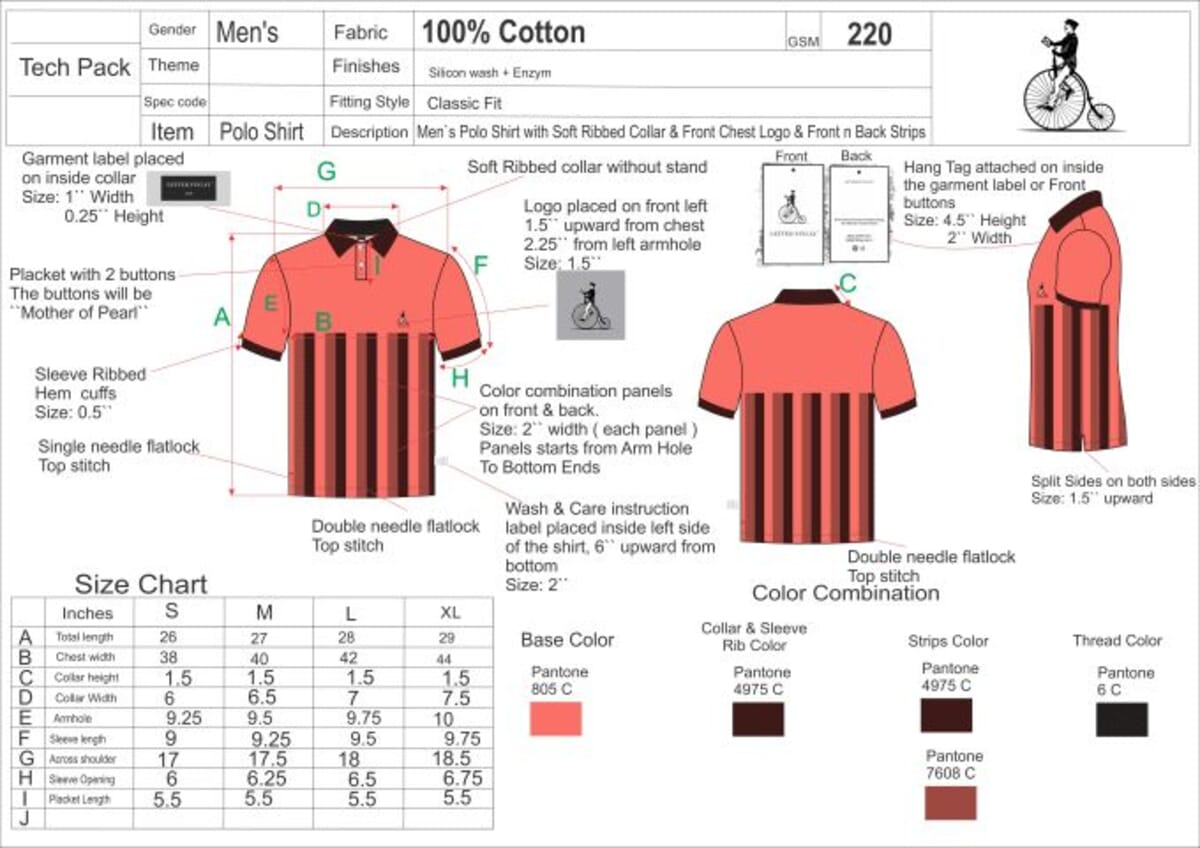
Export as vector, place at high resolution, and keep the flat editable. Your flat is section one of a standard eight-section tech pack, alongside the bill of materials, measurement specs, cost sheet, size gradings, colorways, construction notes, and revision history. The drawing has to land in that document crisp, labeled, and callout-ready. For the tools behind the document, see our tech pack software guide.
The hand-off breaks in predictable places. Fix these and your flat survives the trip.
| Step | Do this | Because |
|---|---|---|
| Export format | Save as PDF, SVG, or AI, not PNG or JPG | Vector scales to any spec-page size without blurring |
| Text and labels | Outline fonts or embed them before export | Factories without your typeface see wrong callout labels |
| Front and back | Place both views at the same scale | Mismatched scale misleads the pattern maker on proportion |
| Line weights | Keep outline heavy, seams light, topstitch dashed | The weight hierarchy reads even when printed small |
| File size | Flatten unused layers, expand live symmetry | A lean, stable file opens the same in any software |
A quick note on placement inside the pack. If your tech pack tool imports vector directly, use it, because the flat stays sharp at every zoom. If it only accepts images, export the vector to a high-resolution PDF page first, then place that. Never screenshot a flat. A screenshot is raster by definition, and you've thrown away every advantage vector gave you.
The single most common file problem I see isn't a bad drawing. It's a good flat exported the wrong way. A clean Illustrator flat, screenshotted into a slide, arrives soft and unreadable at the seams. Two minutes of correct export would have saved the sample. Treat the hand-off with the same care as the drawing itself.
Frequently asked questions
Do I need Illustrator?
No, you don't need it, but it helps if you trade files with factories. Illustrator is a vector editor and the industry default, so templates and shared files usually assume it. For a first style, free or one-off tools draw perfectly good flats. For a repeat brand, matching the standard removes friction.
Is there free flat sketch software?
Yes. Inkscape is free, open-source vector software, and it draws precise, scalable flats. That's the honest starting point for a first style. The trade-off is a rougher interface and occasional file-format conversion when you swap with an Illustrator-based factory. For testing whether you even enjoy drawing flats, zero cost is hard to beat.
Does the software make my flat correct?
No. The tool draws lines; conventions and pattern traceability make a flat correct. Factories inspect against a quality limit, commonly an AQL of 2.5 with zero critical defects allowed (QIMA). No software feature appears in that inspection. Follow the standard flat conventions and trace every line to a pattern piece.
Can I draw flats in CLO 3D or Browzwear?
You can. CLO 3D and Browzwear are 3D garment and pattern tools that also produce flat views. If your team already works in 3D for fit, pulling flats saves a step. If it doesn't, buying a 3D suite just to draw a flat is expensive overkill. The output still needs 2D conventions to be usable.
What's the cheapest way to start drawing flats?
Start with free Inkscape and a good template. Flats are section one of a standard eight-section tech pack, so a template teaches you the structure while you learn the tool. Upgrade to Illustrator only when file-sharing with factories becomes a recurring cost.
Can I draw flats on an iPad?
Yes, but use a vector app, not a raster one. Linearity Curve draws true vector paths on iPad, so your flats stay scalable and factory-ready. Procreate is raster, so its lines blur when enlarged for a spec page. Sketch concepts in Procreate, but rebuild final flats in a vector tool.
What file format should I export flats in?
Export as PDF, SVG, or AI, never PNG or JPG. Vector formats scale to any spec-page size without blurring, which is the whole reason flats are vector. Outline your fonts or embed them first, so a factory without your typeface still sees the correct callout labels on the drawing.
Is Affinity Designer good enough instead of Illustrator?
Yes, for most solo designers. Affinity Designer is a one-time purchase that draws clean vector flats with variable stroke width and reusable assets. The gap is ecosystem: fewer fashion templates and occasional file conversion when trading with an Illustrator-based factory. For a repeat brand swapping files daily, Illustrator still removes more friction.
The bottom line
Flat sketch software matters less than most designers think, and the conventions matter more. Vector editors win for precision and reuse: Illustrator as the standard, Affinity as a one-off purchase, Inkscape as the free option. 3D/CAD tools like CLO 3D and Browzwear earn their place only when you're already doing pattern work in 3D. But no tool makes a flat correct. Traceable lines and true proportions do that. Pick cheap for a first style, pick the standard for a running brand, and put your energy into the drawing rules. When you're ready to hand off, our tech pack service turns your flats into a factory-ready pack from $299.
Peter Midea is GarmentSpec's technical lead for brand development.
We build the factory-ready spec a manufacturer can quote from without a single question: technical flats, bill of materials, graded points of measure with tolerances, colorways and construction notes. $299 per style, 3 to 5 working days, 2 to 3 revision rounds.
Get your tech pack — $299Start with the free templateWe don't take your production. The spec is yours to send to any factory, anywhere. Talk to us first if you're not sure what you need.
Sources
Every statistic and definition in this article traces to one of the following. Each is listed once here, and cited inline where it is used.
Related guides
- How to draw technical flats
- Adobe Illustrator for tech packs
- Fashion flat sketch rules
- Tech pack software: do you need it?